Showing posts with label Arduino. Show all posts

Sunday, May 26, 2013

SeeedStudio TFT v2...

Finally had a chance to sit and play with the SeeedStudio TFT v2.0.    I will be playing with this device a bit more for but for now I was able to examine the their API and run through a few of their demo application.

First a look at some of the sample applications.  I looked at two of them.  The first is the "paint" program.  It demonstrates the basic functionality of the TFT display.  The first mistake I made that is that the library provided by SeeedStudio actually comes in two parts.  The first part is called "SeeedTFTv2" - upon attempting to build the "paint" it was clear that I also needed to download the "SeeedTouchScreen" library to enable any of the touch functionality.  I was a little perplexed by this, it is something that I have to dig into a bit more as it seemed as if all the functionality to get user input from the screen is located in the "SeeedTouchScreen" library.  While the "SeeedTVTv2" contains the code the write to the display.
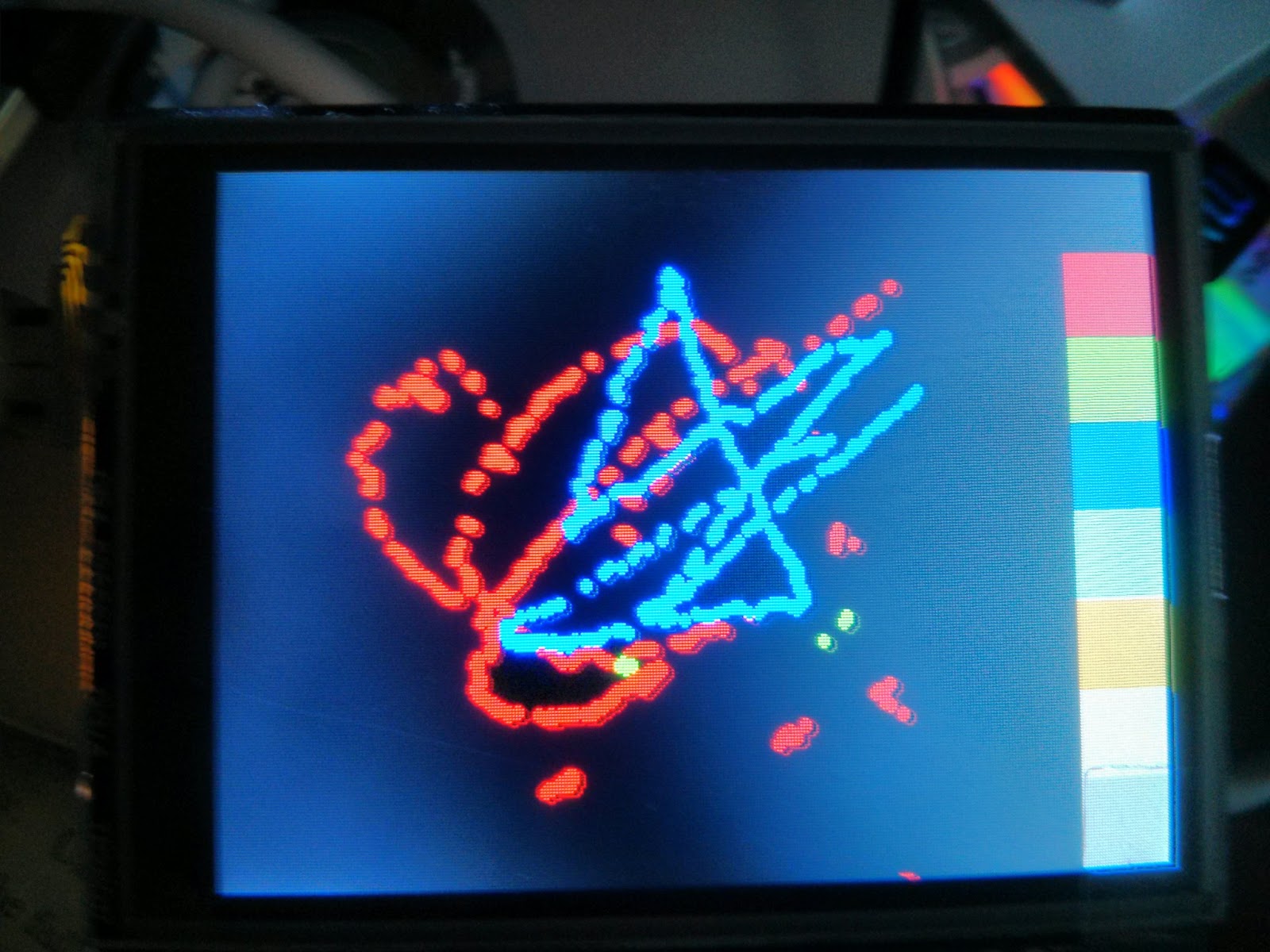

Not to be thwarted (despite this curiosity) I pressed forward.  As shown above you can see sample program as run on an Uno device.  In order to draw anything resembling a line the user will have to take their time and slowly draw the line across the screen.  I can't blame the library or the screen - this is more of a function (it seems to me) that checking the screen press occurs with each clock tick on the Arduino.

I then went on took look at the "shapes" sample program.  Show below.


I adjusted this program so that when the screen was pressed rather than draw the circles from the inside to the outer edges it would draw them from the outer edge to the inside.  Again, one must press for a bit until the program registers the press and action changes on the screen.  Below you can see my changes.  The "Point" object is only available from the "SeeedTouchScreen", it collects to the "z" value - or the pressure of the finger press.


So I am left wondering how best to use this device.  I need to see if this device will generate interrupts to make the screen more responsive to user inputs or I might have to adjust the pressure to see if that will increase the responsiveness.  As it stands I am not sure I could use this as a means to quickly stop a function or motion of robot that needed to stopped "immediately".

The graphics are reasonable for a screen this size and offer up a decent quantity of (65K) of color choices in a  320x240 pixel display area. 

Saturday, May 18, 2013

Maker Faire and the next Arduino project...

There's been a lull in my Arduino programming as of late.  Seems the last time I had some passion around building something with that platform was about 3-4 months ago when I purchased a number of parts to build a dual-axle controlled track system using the Adafruit motor shield.  While this is still on my workbench I got frustrated with Tamiya dual transmission kit - mine seems to have a problem where one axle spins more freely than the other.  This, if you have guessed, will cause the track system to "pull" in one direction, much like when your car is out of alignment.  Since I wasn't using a stepper motor I couldn't correct the problem with micro adjustments to align the tracks in the direction I wanted to go.  I am not even convinced I could do this without a compass censor and a stepper motor.  I will take a look at this in a few weeks and see what can be done about it.  In the mean time I managed to find something more interesting to do - something I found at this weekend's Maker Faire.


Yes I am aware TFT displays aren't something new.  But this one looked interesting.  It pushes off the processing of the display from the main CPU and provides a SPI interface. This prevents burning up a number of pins on the Arduino - which for some projects can be a nice feature.  I was able to get this one from Seeed Studios for a reasonable price and it seems to be well supported by the vendor.  In fact the reps from Seeed Studios brought with them a working GPRS cell phone built on the Arduino platform that used this screen for the key pad.  What was even more wild was they built an enclosure for this project using a 3D printer (yea, a 100% contract free, open hardware, open source, cell phone).  I haven't yet decided what to do with this screen - maybe an easy game like Simon or Tic-Tac-Toe?